
最近搜索
layui 弹出窗口 使用教程

管理员
2022-02-07 11:43
关闭用这个
layer.closeAll();
//初体验
layer.alert('内容')
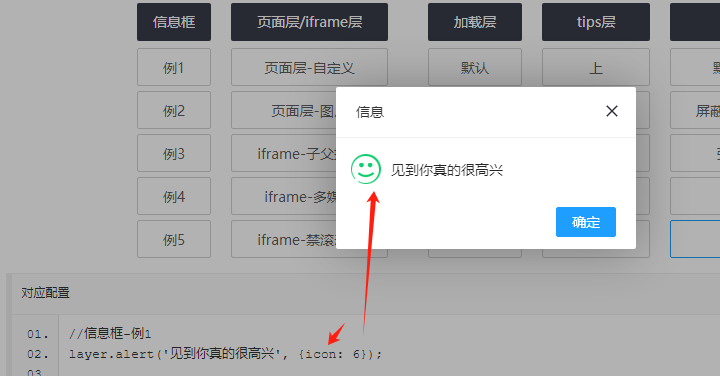
layer.alert('见到你真的很高兴', {icon: 6});
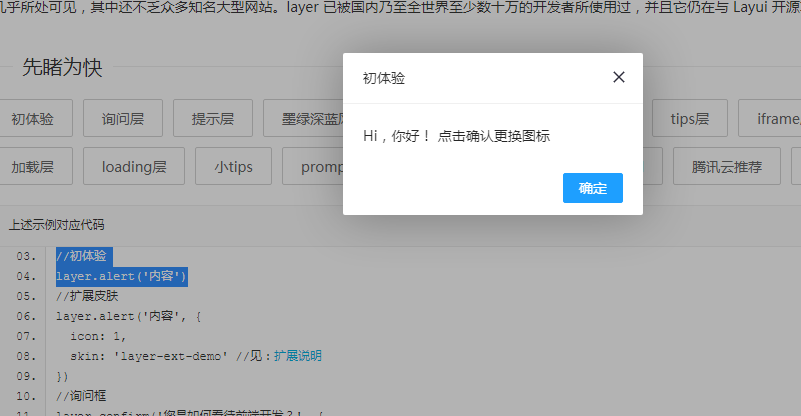
//扩展皮肤
layer.alert('内容', {
icon: 1,
skin: 'layer-ext-demo' //见:扩展说明
})

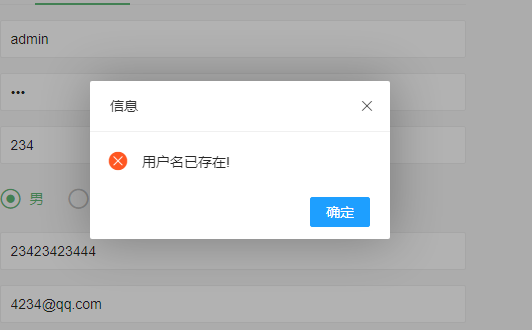
icon1是绿色对号          2是红色错误   6好像是笑脸。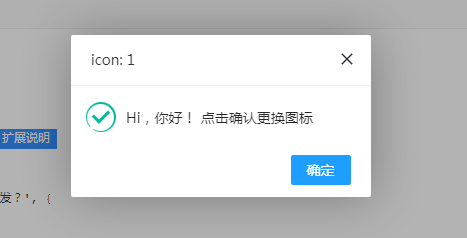
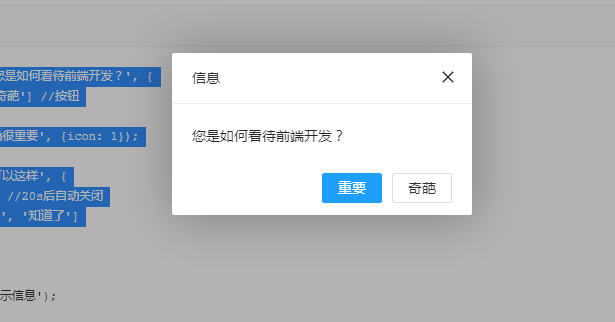
//询问框
layer.confirm('您是如何看待前端开发?', {
btn: ['重要','奇葩'] //按钮
}, function(){
layer.msg('的确很重要', {icon: 1});
}, function(){
layer.msg('也可以这样', {
time: 20000, //20s后自动关闭
btn: ['明白了', '知道了']
});
});
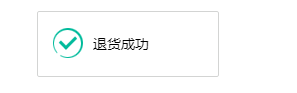
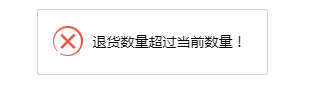
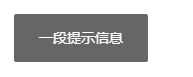
layer.msg('一段提示信息');layer.msg("请选择岩石类型", {icon:2}); 加红叉layer.msg("请选择岩石类型", {icon:1}); 这是绿色对号
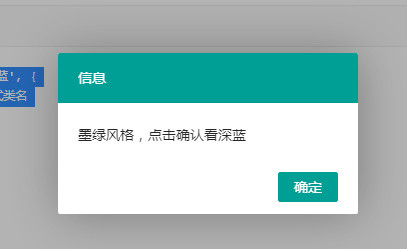
//墨绿深蓝风
layer.alert('墨绿风格,点击确认看深蓝', {
skin: 'layui-layer-molv' //样式类名
,closeBtn: 0
}, function(){
layer.alert('偶吧深蓝style', {
skin: 'layui-layer-lan'
,closeBtn: 0
,anim: 4 //动画类型
});
});
页面弹出层 设置位置以及大小
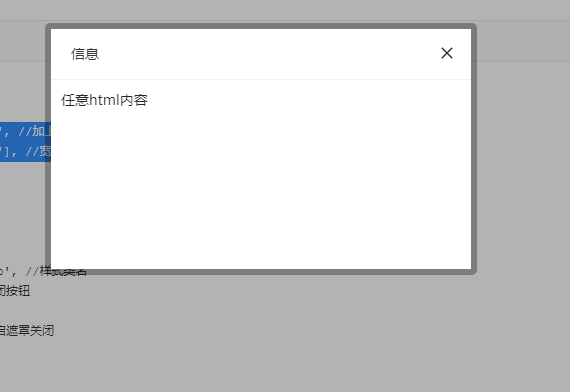
//页面层
layer.open({
type: 1,
skin: 'layui-layer-rim', //加上边框
area: ['420px', '240px'], //宽高
content: 'html内容'
});
layer.open({
    type: 2,
    title: '批量导出',
    shadeClose: false,
    shade: 0.8,
    area: [w+'px', h+'px'],
    offset: ['50px', '50px'],  弹出层的位置
    content: '/houtai/blog/export/pl?ids='+global_ids //iframe的url
});
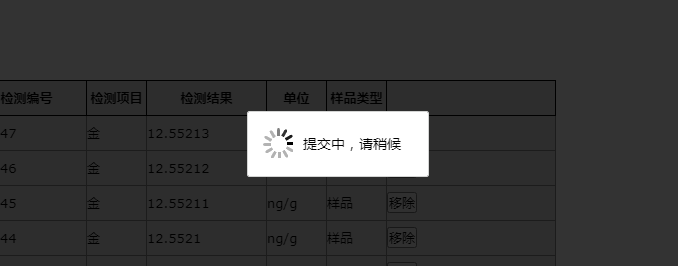
加载层
var index = layer.msg('提交中,请稍候', {
		icon : 16,
		time : false,
		shade : 0.8
	});
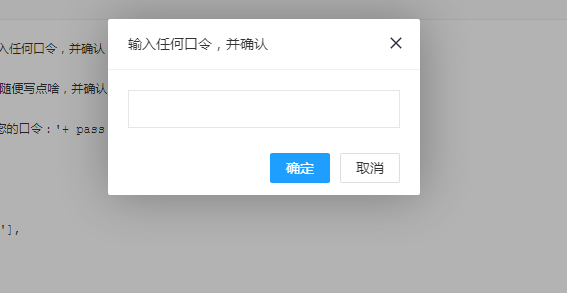
layer.prompt({title: '输入任何口令,并确认', formType: 1}, function(pass, index){
layer.close(index);
layer.prompt({title: '随便写点啥,并确认', formType: 2}, function(text, index){
layer.close(index);
layer.msg('演示完毕!您的口令:'+ pass +'<br>您最后写下了:'+text);
});
});
窗口有最大化按钮
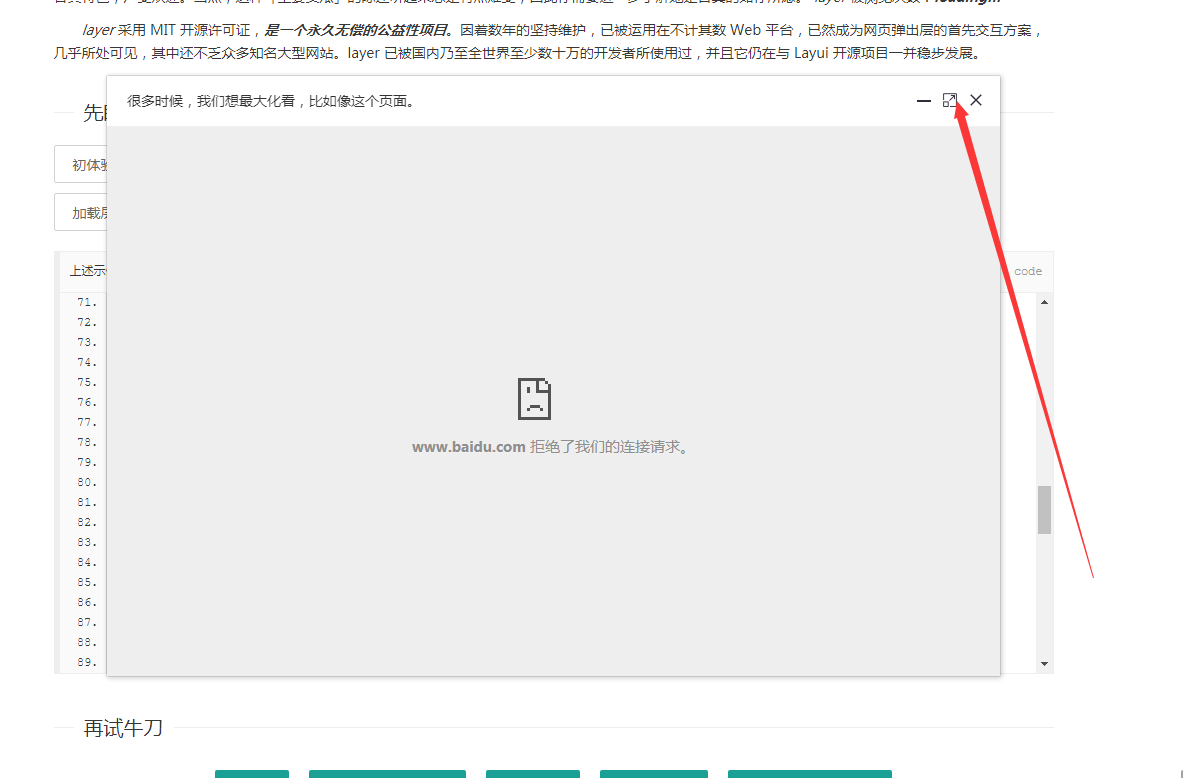
layer.open({
type: 2,
title: '很多时候,我们想最大化看,比如像这个页面。',
shadeClose: true,
shade: false,
maxmin: true, //开启最大化最小化按钮
area: ['893px', '600px'],
content: 'https://www.baidu.com/'
});
捕获层
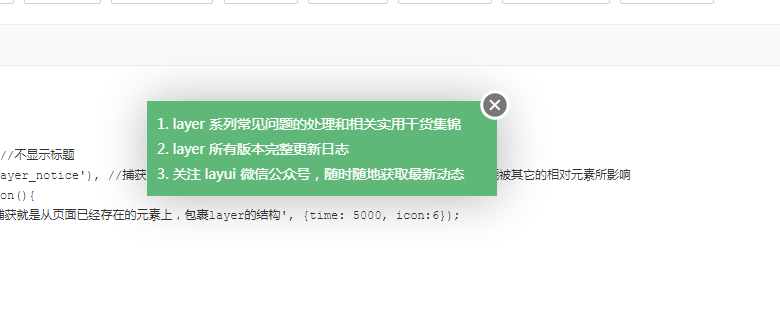
layer.open({
type: 1,
shade: false,
title: false, //不显示标题
content: $('.layer_notice'), //捕获的元素,注意:最好该指定的元素要存放在body最外层,否则可能被其它的相对元素所影响
cancel: function(){
layer.msg('捕获就是从页面已经存在的元素上,包裹layer的结构', {time: 5000, icon:6});
}
});
//Tips
layer.tips('我是另外一个tips,只不过我长得跟之前那位稍有些不一样。', '吸附元素选择器', {
tips: [1, '#3595CC'],
time: 4000
});
提示层的用法
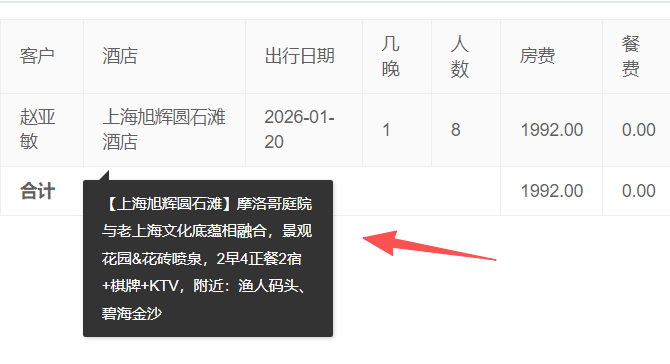
      这是静态 表格。

        <tr th:each="order : ${orderList}">
            <!-- 基础订单信息 -->
            <td>[[${order.trueName}]]</td>

            <td class="hotel-tooltip" th:attr="data-title=${order.title}">[[${order.goods != null ? order.goods.name : ''}]]</td>


<script th:inline="javascript">
    layui.use(['laydate', 'laypage', 'layer', 'table', 'carousel', 'upload', 'form',
        'element'], function () {
        var laydate = layui.laydate //日期
            , laypage = layui.laypage //分页
            , layer = layui.layer //弹层
            , table = layui.table //表格
            , form = layui.form //表格

            , carousel = layui.carousel //轮播
            , upload = layui.upload //上传
            , element = layui.element; //元素操作


        // ========== 新增:初始化酒店名称的悬浮提示 ==========
        $('.hotel-tooltip').each(function () {
            var _this = $(this);
            var title = _this.data('title') || '无标题信息'; // 兼容title为空的情况
            _this.hover(
                // 鼠标移入:显示tooltip
                function (e) {
                    layer.tips(title, _this, {
                        tips: [1, '#333'], // 1=向上显示,#333=背景色(可改#666/#000)
                        tipsMore: true, // 允许多个tooltip同时显示
                        area: ['200px', 'auto'], // 宽度200px,高度自适应(可自定义)
                        time: 0 // 鼠标移开才消失,不自动消失
                    });
                },
                // 鼠标移出:关闭tooltip
                function () {
                    layer.closeAll('tips');
                }
            );
        });

    });
</script>
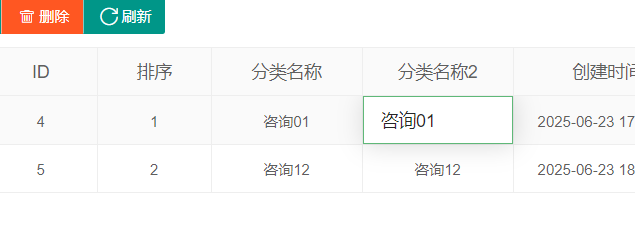
在动态表格的用法--提示小窗口。
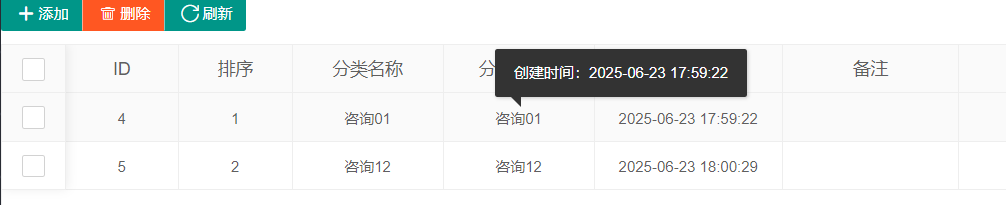
支付edit编辑
<script>
      layui.use([ 'laydate', 'laypage', 'layer', 'table', 'carousel',
            'upload', 'element' ], function() {
         var laydate = layui.laydate //日期
         , laypage = layui.laypage //分页
         ,layer = layui.layer //弹层
         ,form = layui.form
         , table = layui.table //表格
         , carousel = layui.carousel //轮播
         , upload = layui.upload //上传
         , element = layui.element; //元素操作
           table.render({
             elem: '#table'
             ,url: '/admin/blog/type/list'
             ,height: 'full-60'
             ,totalRow: true
            ,cols: [ [
                {checkbox: true, fixed: true}
                ,{field:'id', title: 'ID', width:90,style:'font-size: 12px;'  }
                ,{field:'orderNo', title: '排序', width:90,style:'font-size: 12px;' , edit: 'text' }
                ,{field:'name', title: '分类名称', width:120,style:'font-size: 12px;' , edit: 'text'}
                 ,{field:'name', title: '分类名称2', width:120,style:'font-size: 12px;' , edit: 'text',
                    templet: function(d){
                       // d是当前行数据,data-create-time存储创建时间,class用于绑定事件
                       return '<span class="name-tips" data-create-time="'+ d.createDateTime +'">'+ d.name +'</span>';
                    }
                 }

                 ,{field:'createDateTime', title: '创建时间', width:150,style:'font-size: 12px;'  }
                 ,{field:'remark', title: '备注', width:140 ,style:'font-size: 12px;', edit: 'text'}
                 ,{field:'url', title: '小程序链接', width:320,style:'font-size: 12px;',templet: '#format_url' }


                 ,{fixed:'right', width:120,title: '操作',  toolbar: '#table_bar'}
                ] ]
             ,id: 'table'
             ,page: true
              ,limits:[100,200,300,400,500,1000,2000,3000],
            limit:100
              // ========== 核心修改2:done回调,表格渲染完成后绑定layer.tips悬浮事件 ==========
              ,done: function(res, curr, count){
                 // 绑定name列的悬浮提示
                 $('.name-tips').each(function(){
                    var _this = $(this);
                    // 获取存储的创建时间,兼容空值
                    var createTime = _this.data('create-time') || '无创建时间';
                    _this.hover(
                          // 鼠标移入:显示tips
                          function(){
                             layer.tips('创建时间:'+createTime, _this, {
                                tips: [1, '#333'], // 1=向上显示,#333=背景色(贴合Layui风格)
                                tipsMore: true, // 允许多个tips同时显示
                                area: ['auto', 'auto'], // 宽高自适应
                                time: 0 // 鼠标移开才消失,不自动消失
                             });
                          },
                          // 鼠标移出:关闭tips
                          function(){
                             layer.closeAll('tips');
                          }
                    );
                    // 可选:鼠标悬浮变手型,提示可悬浮
                    _this.css('cursor', 'pointer');
                 });
              }

           });

         //监听工具条 table_bar
            table.on('tool(table)', function(obj) { //注:tool是工具条事件名,test是table原始容器的属性 lay-filter="对应的值"
               var data = obj.data //获得当前行数据
               , layEvent = obj.event; //获得 lay-event 对应的值
               if (layEvent === 'edit') {
                  edit(data.id);
               }
            });

             //监听  是否显示
              form.on('switch(tp_useIt)', function(obj){
                //layer.tips(this.value + ' ' + this.name + ':'+ obj.elem.checked, obj.othis);
                if(obj.elem.checked){
                   update_useIt(this.value,1);
                }else{
                   update_useIt(this.value,0);
                }
              });

            //监听单元格编辑
              table.on('edit(table)', function(obj){
                var value = obj.value //得到修改后的值
                ,data = obj.data //得到所在行所有键值
                ,field = obj.field; //得到字段
                //layer.msg('[ID: '+ data.id +'] ' + field + ' 字段更改为:'+ value);
                table_edit_update(data.id,field,value);
              });


      });
</script>
相册 层
//相册层
$.getJSON('test/photos.json?v='+new Date, function(json){
layer.photos({
photos: json //格式见API文档手册页
,anim: 5 //0-6的选择,指定弹出图片动画类型,默认随机
});
});
加载中
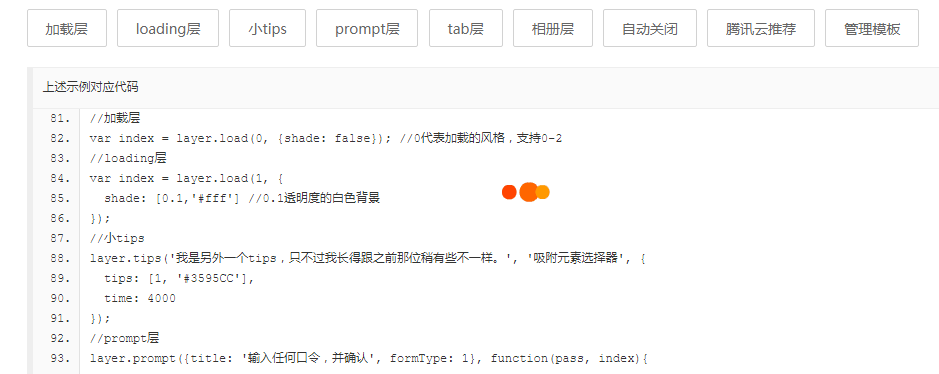
//加载层
var index = layer.load(0, {shade: false}); //0代表加载的风格,支持0-2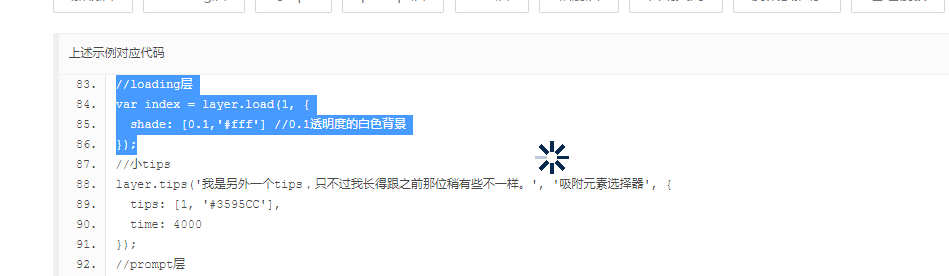
//loading层
var index = layer.load(1, {
shade: [0.1,'#fff'] //0.1透明度的白色背景  0.1透明   0.6前透明
});
点击空白关闭 窗口
shadeClose: true,

function help(){
	layer.open({
		  type: 2,
		  title: '如何获取打印码',
		  area: ['700px', '450px'],
		  fixed: false, //不固定
		  maxmin: true,
		  shadeClose: true,
		  content: '/code/help'
	});
}
弹出即全屏
//弹出即全屏
var index = layer.open({
type: 2,
content: 'https://dev.layuion.com/jump/alyhot/',
area: ['320px', '195px'],
maxmin: true
});
layer.full(index);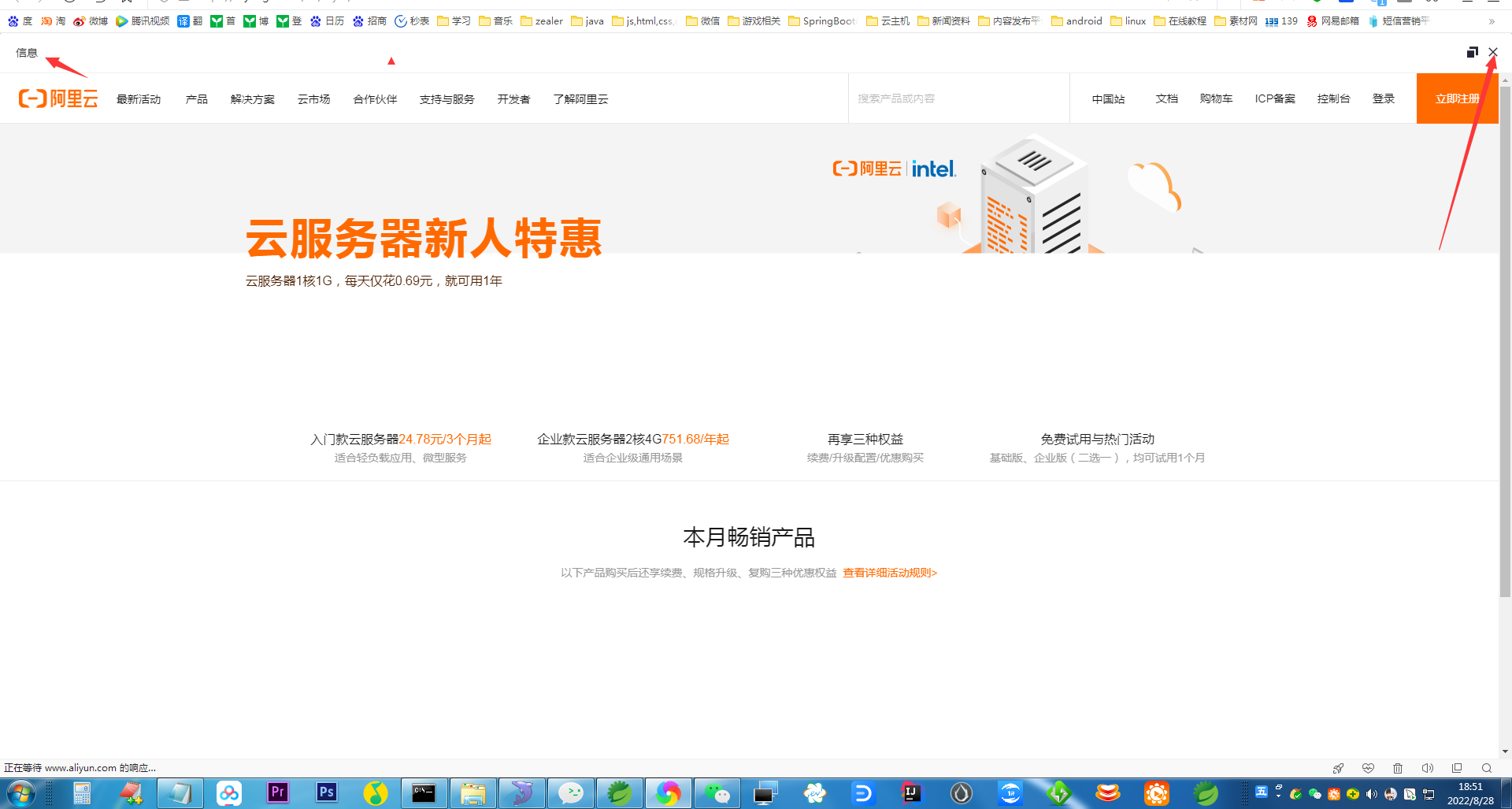
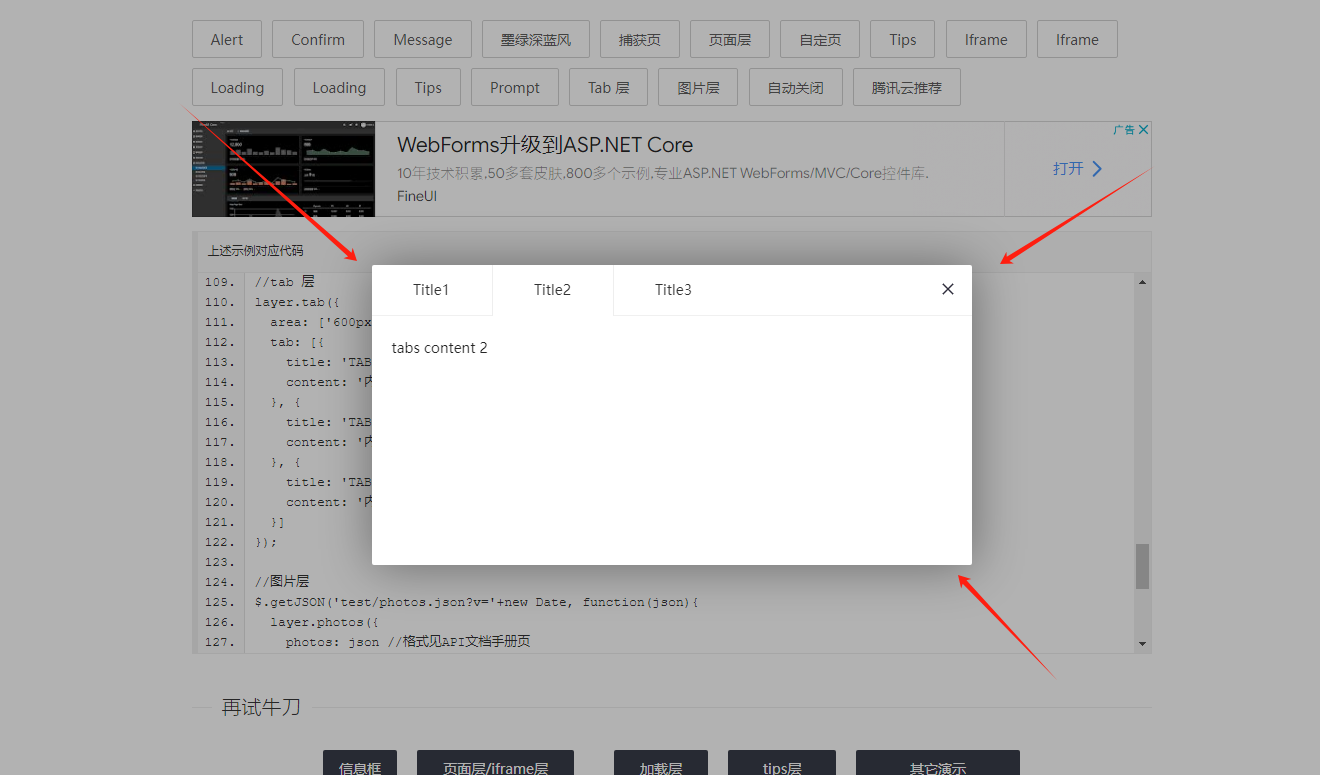
弹出tab层
//tab 层
layer.tab({
area: ['600px', '300px'],
tab: [{
title: 'TAB1',
content: '内容1'
}, {
title: 'TAB2',
content: '内容2'
}, {
title: 'TAB3',
content: '内容3'
}]
});
联系站长
站长微信:xiaomao0055
站长QQ:14496453
按分类分组
按日期分组